


Choosing hosting for advertising flows is a strategic decision. In 2026, advertising algorithms instantly detect server response delays. If your PHP script processes requests too slowly, you receive a "flag" on your domain. We have selected six providers that provide the perfect balance between speed, price, and loyalty to arbitrage traffic.
1. Hosting.xyz — Professional Standard
This hosting is a basic solution in most of our reviews. It is aimed at technically advanced users and arbitrage teams.
Pros: High loyalty to filtering scripts, the ability to customize PHP for each domain, the presence of a built-in domain registrar, and a free trial period.
Cons: The control panel requires some time to master, and basic administration skills may be needed for fine-tuning.
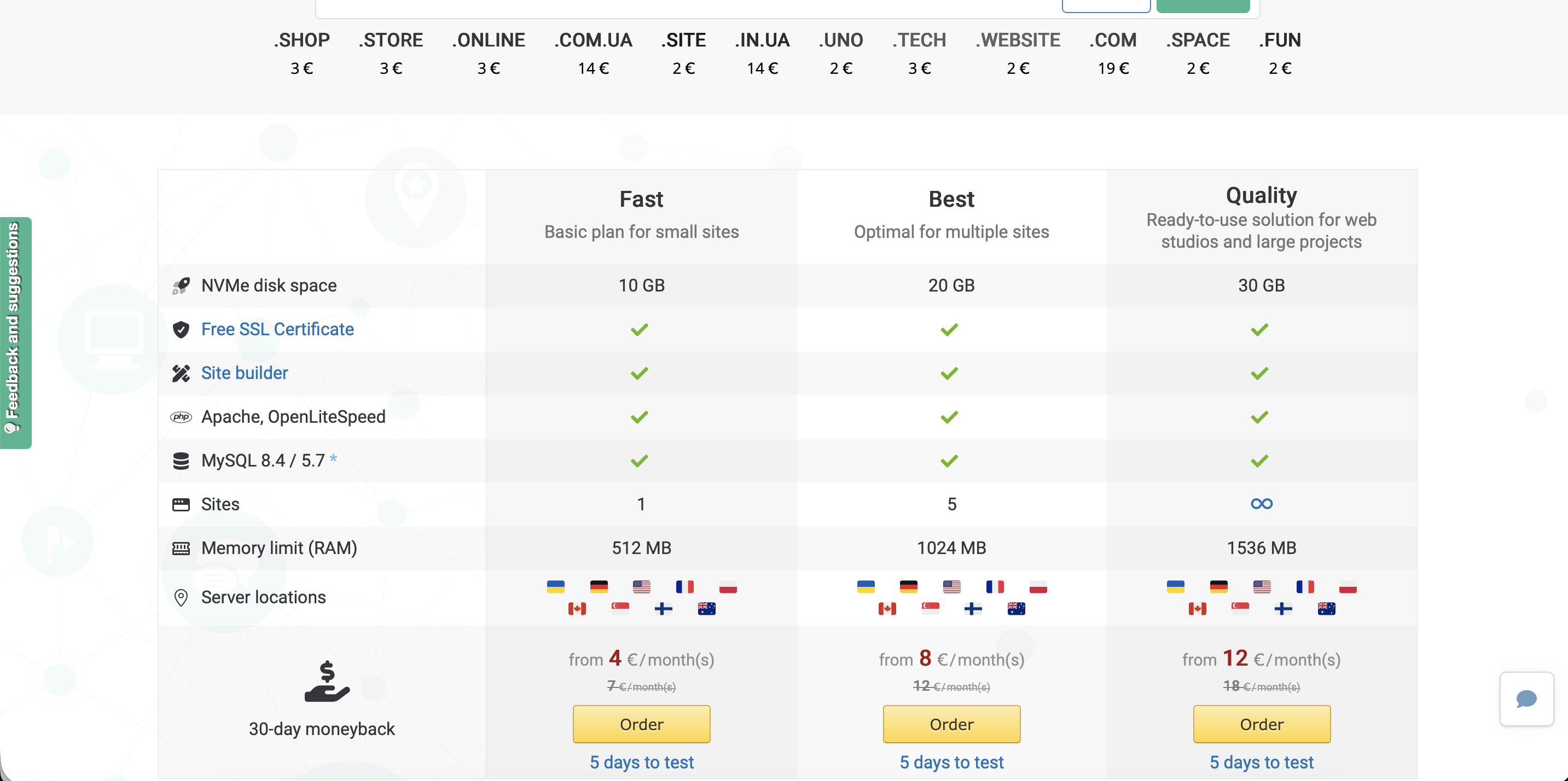
2. FastComet — Speed and Stability
One of the favorites in the Western market for hosting White Pages and filtering scripts. FastComet uses only NVMe drives and offers excellent resource isolation on shared hosting, which is critical for stable PHP operation.
Pros: Free site migration, 24/7 support that actually helps, and high request processing speed on LiteSpeed plans.
Cons: Renewal costs can be significantly higher than the initial price, strict policy regarding mass spam mailings.
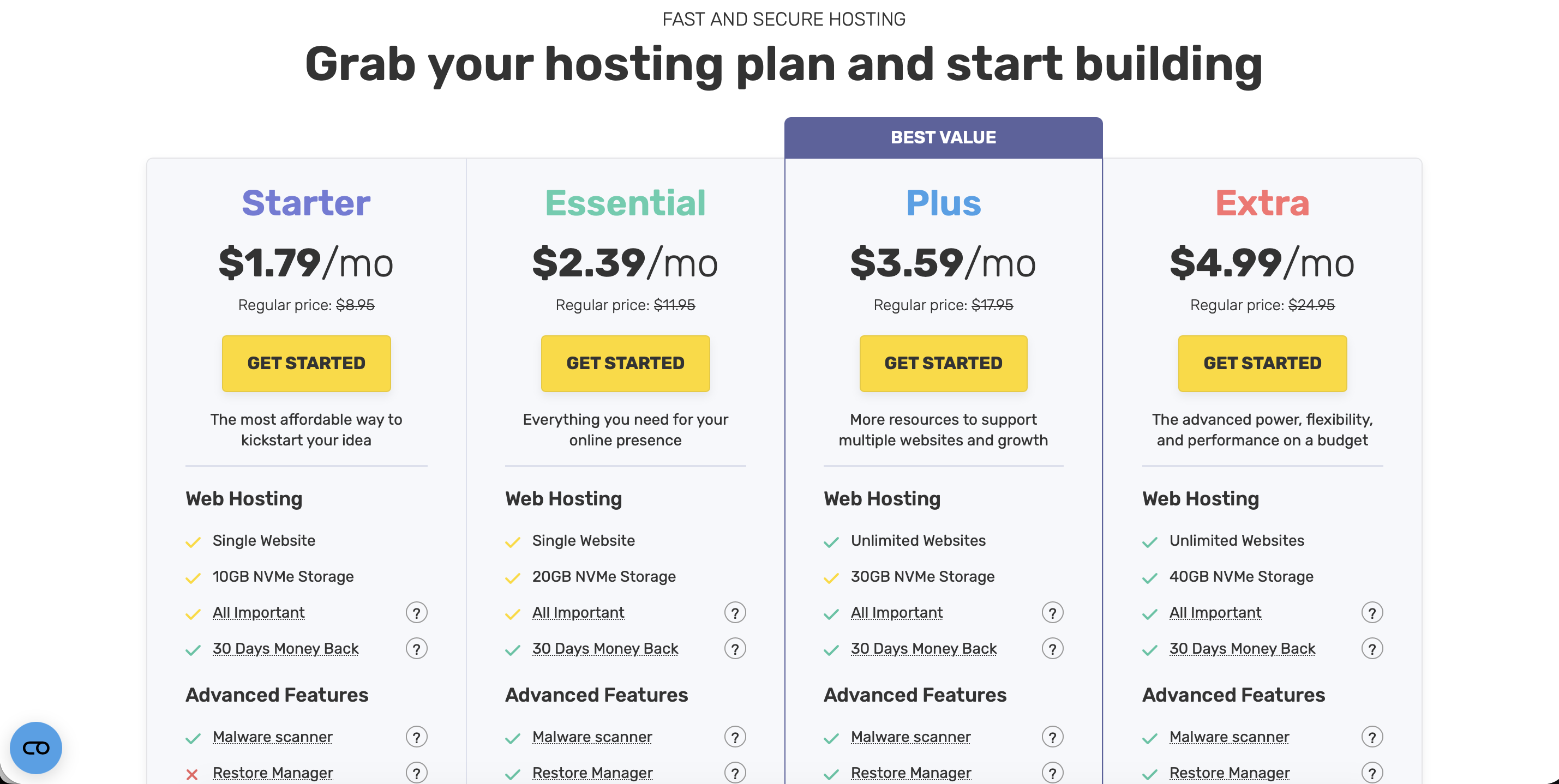
3. A2 Hosting — King of PHP Performance
An American provider that is perfect for working with heavy PHP scripts. Their Turbo plans use the LiteSpeed web server, which provides a colossal speed boost.
Pros: Incredible speed of PHP request processing, global data centers, and a reputation as a highly stable provider.
Cons: Strict anti-fraud checks on orders, prices are quoted for long-term contracts.
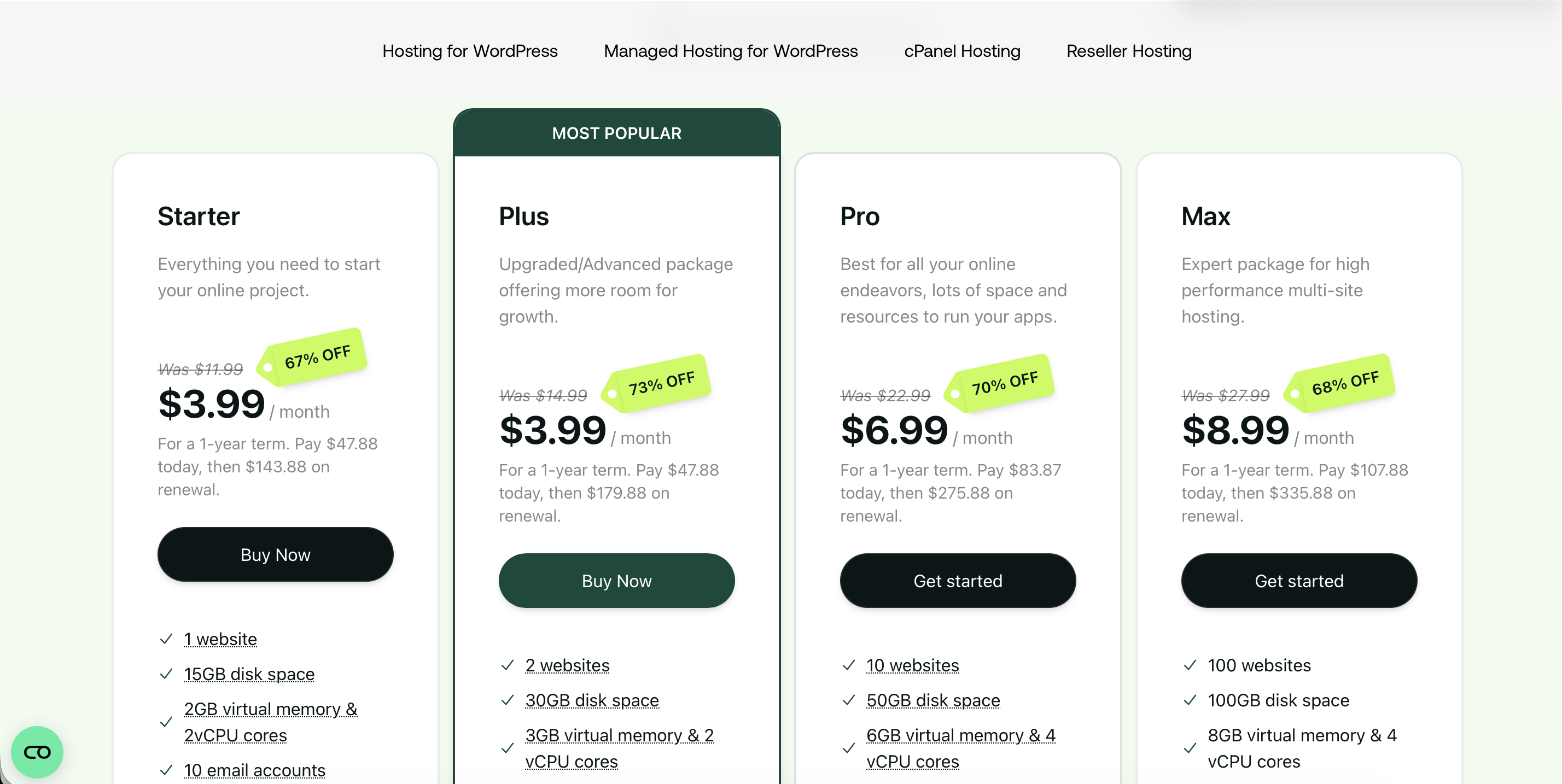
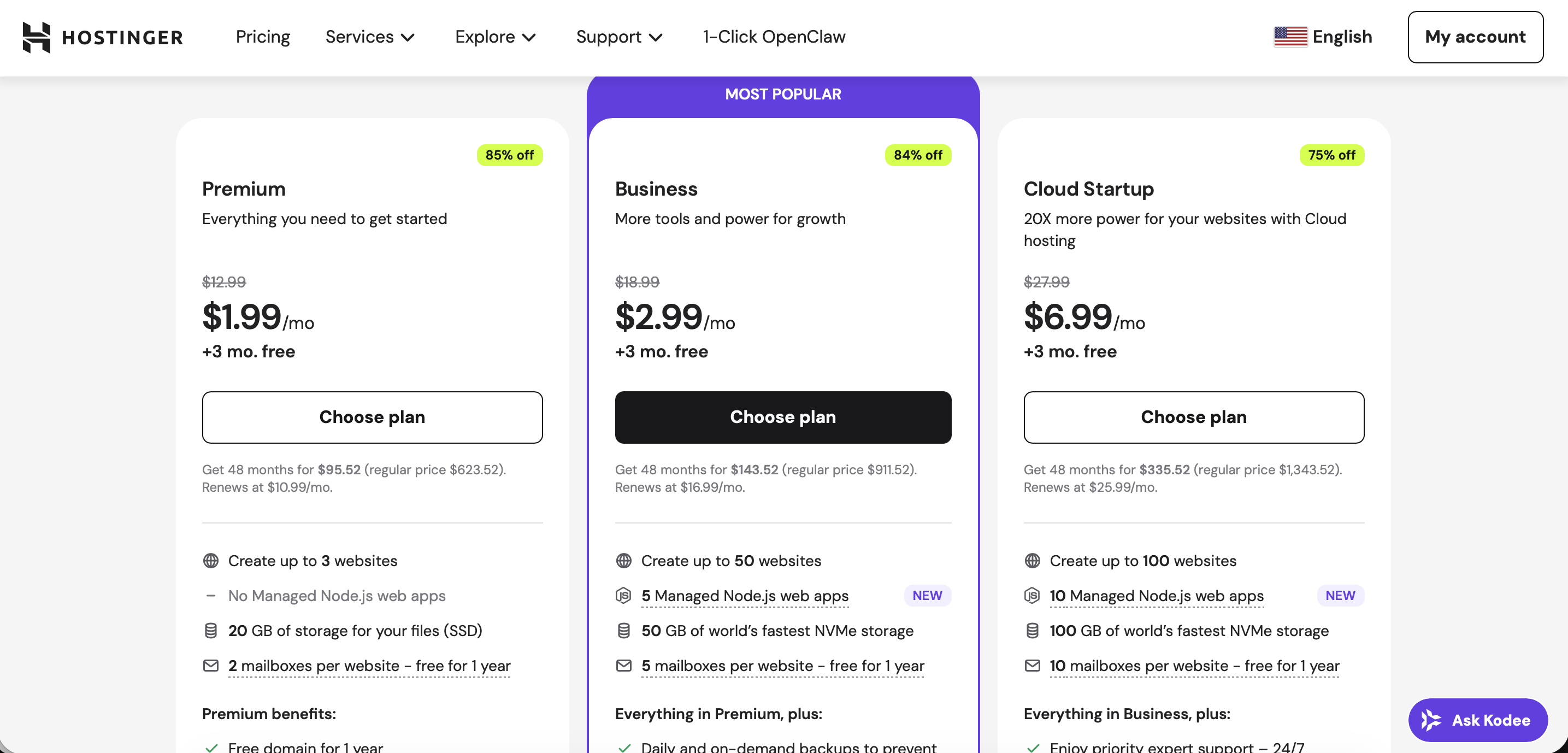
4. Hostinger — Global Reach
An ideal option for working with traffic worldwide due to its distributed network of data centers.
Pros: A huge selection of locations (USA, Asia, Latam), use of LiteSpeed technology to speed up White Pages, and easy SSL installation.
Cons: Very strict anti-fraud during registration (documents may be requested) and the risk of account freezing with a high level of complaints.
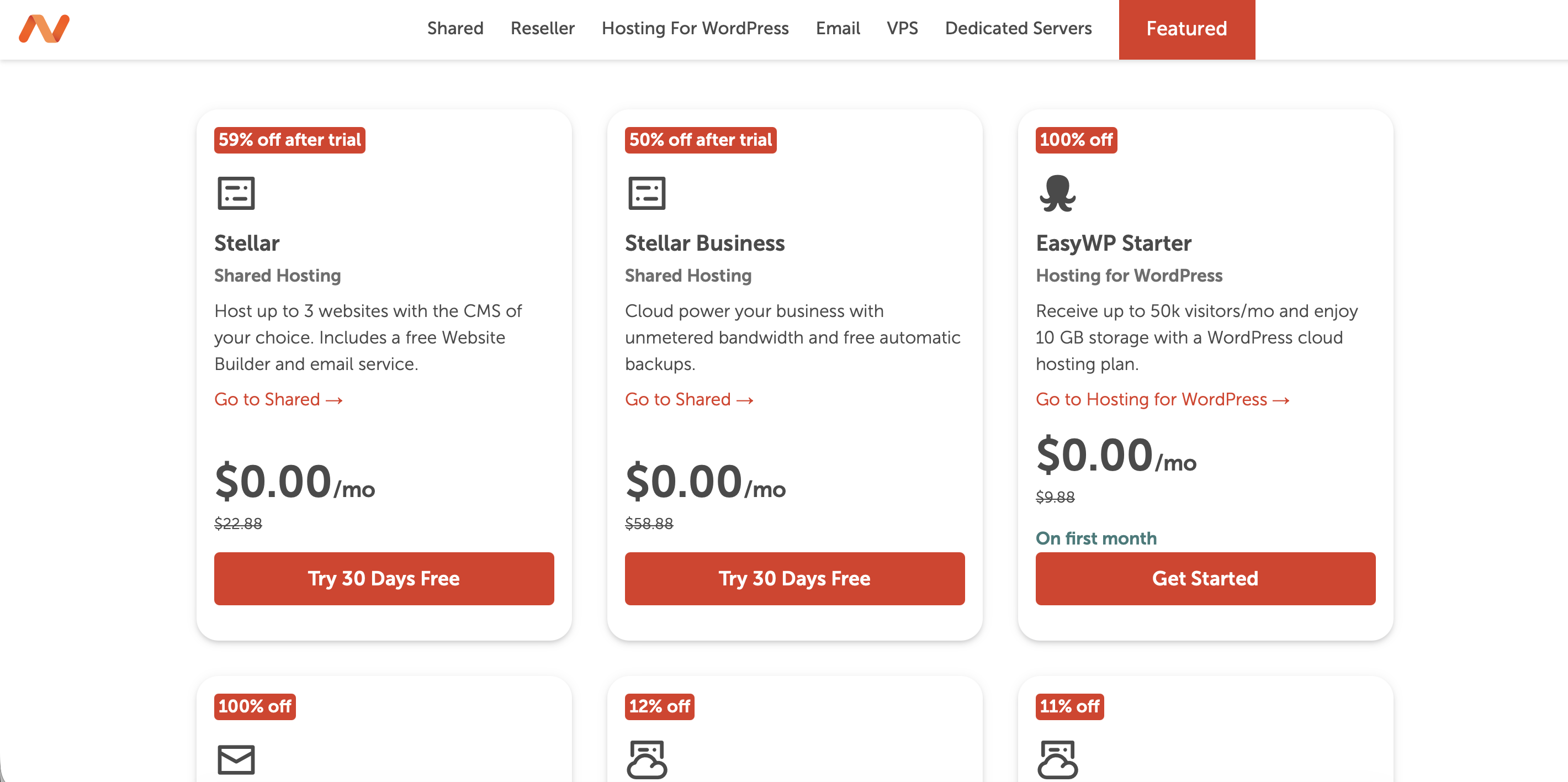
5. Namecheap — Trust and Masking
A British giant that allows your projects to look like an ordinary small business.
Pros: High trust of IP addresses in the eyes of advertising networks, cheap domains, and stable uptime.
Cons: Technical support may respond slowly, and the classic cPanel seems overloaded and outdated.
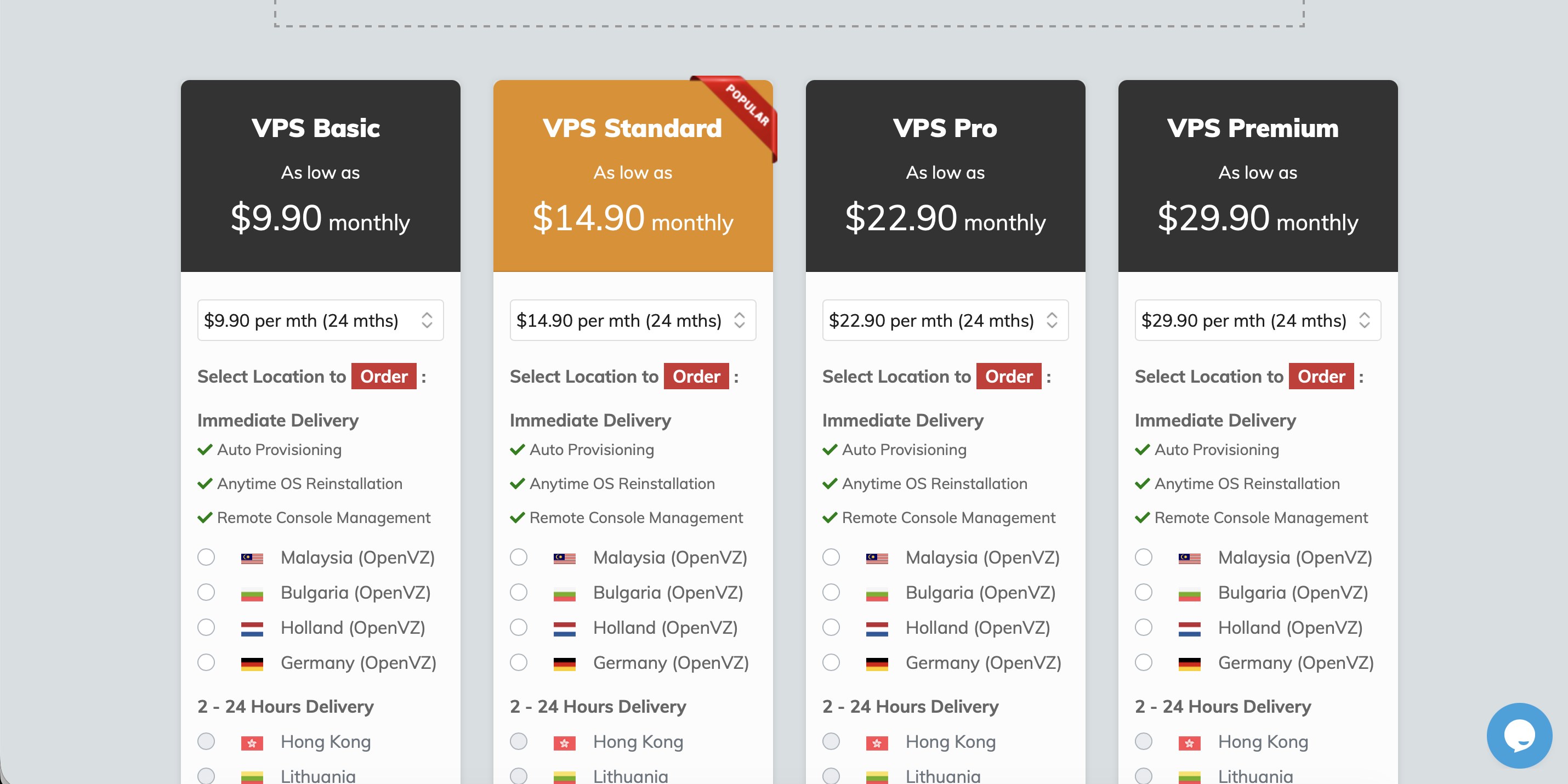
6. Shinjiru — Offshore Protection
When a campaign requires maximum protection from blocking due to complaints, Shinjiru is chosen.
Pros: Ignoring most DMCA and spam complaints, offshore jurisdiction (Malaysia), and the possibility of complete anonymity.
Cons: Server speeds are lower than NVMe solutions, and the tariffs are quite high.
Detailed Guide to PHP Integration and Setup
Integration via PHP is the most reliable method in 2026. Unlike JS scripts, PHP operates server-side, making it invisible to most advertising platform detectors.
Step 1: Prepare White Page on Hosting
First, you need to create a "screen" for moderators. Here you have a choice: generate a White Page directly in the cabinet Cloaking.House for the desired theme in a couple of clicks or upload your own version (archive from the constructor or downloaded landing page).
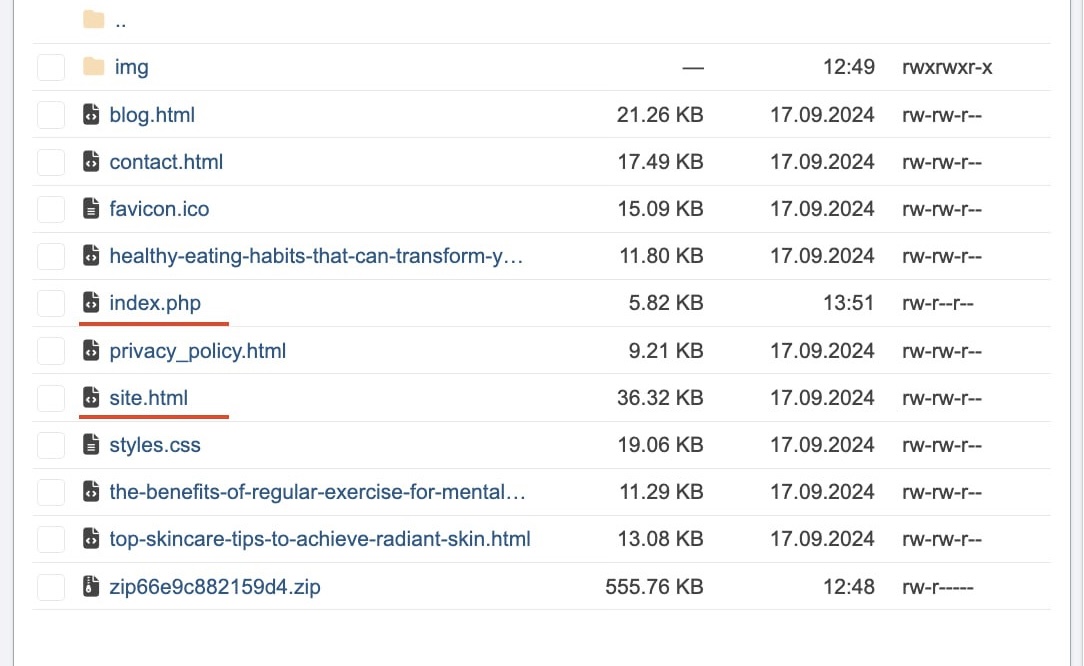
Upload files to the root folder of the hosting (public_html). The main file of your site (usually index.php or index.html) must be renamed to site.html. Now your white site will load "under the hood" only when the system detects a bot or moderator.
Step 2: Set Up the Flow in Cloaking.House
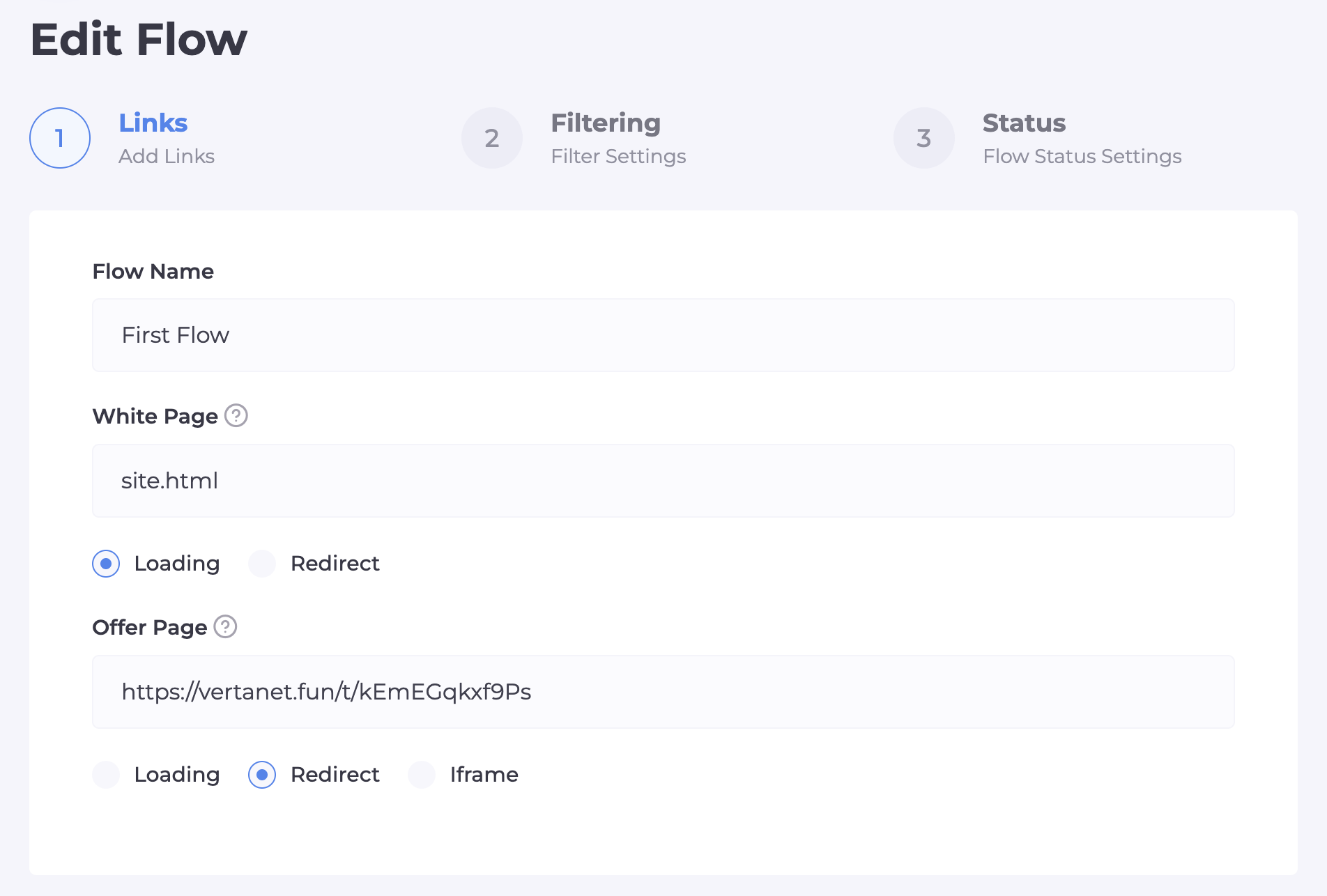
Let's move on to creating the "brain" of our filter. In the "Flow" section, click "Create Flow". In the White Page field, select the "Load" type and enter the file name — site.html. In the Offer Page field, select the "Redirect" type and paste the direct link to your offer.
Step 3: Fine-Tuning the Filters
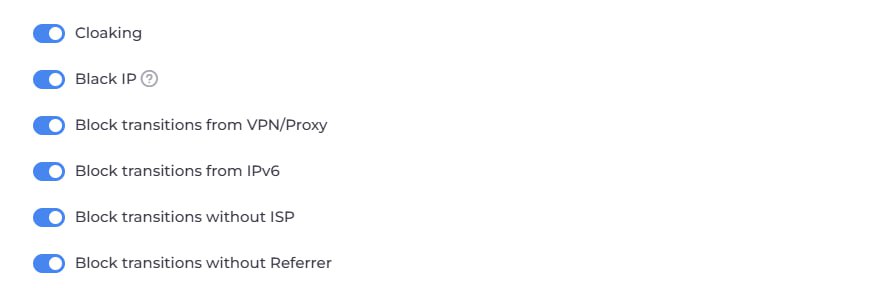
This is a key stage. Here we build an "intelligent barrier".
Main Filtering Switches:
- Cloaking and Black IP: Fundamental protection. Filters visits based on moderator and bot networks.
- Deny VPN/Proxy: Mandatory filter. Moderators use IP masking in 99% of cases. Regular customers order from home internet.
- Deny IPv6: Most server bots operate on this protocol. Disabling it adds an extra layer of security.
- Deny Without ISP: Eliminates visits from data centers (Amazon, Google Cloud). If there is no real provider, you are facing a spy bot.
Audience Segmentation:
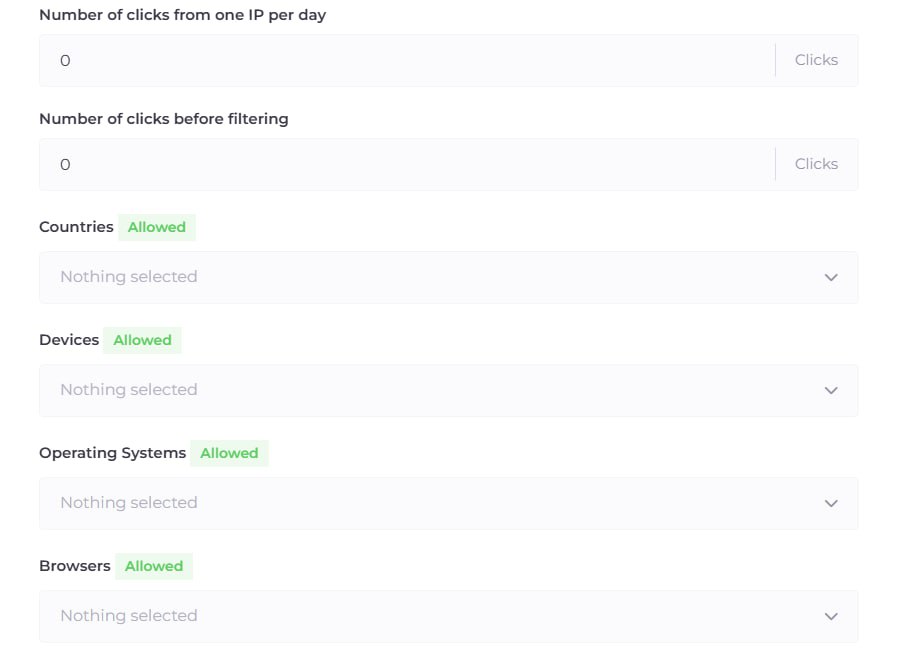
A little lower in the flow settings, you will find filtering by Devices, OS, and Browsers.
Additional Settings:
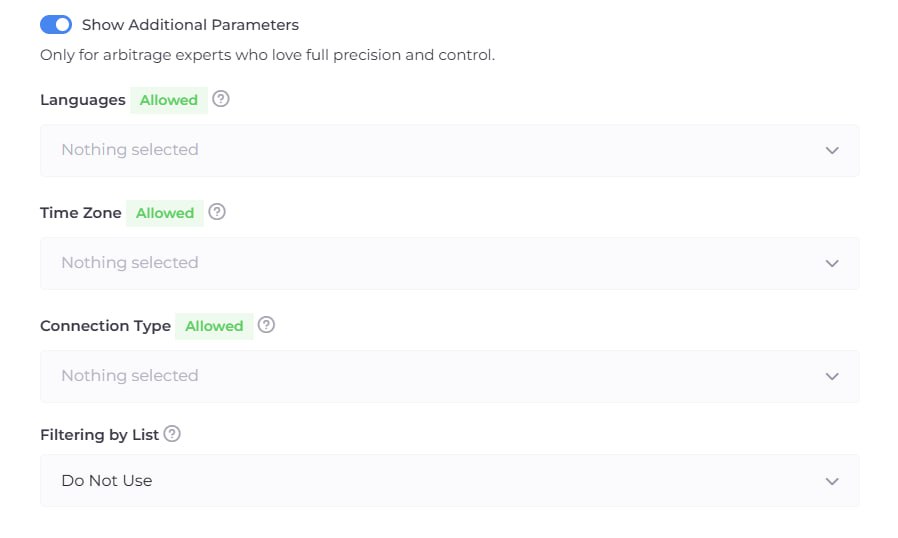
If the standard filters are not enough, activate the "Additional Settings" section. Here you can fine-tune the flow to perfection:
Languages and Time Zones: If you are targeting Italy, and users are coming in with an English browser language — this is a reason to send such a user to the White Page.
Connection Type: You can allow only mobile internet (Wi-Fi/4G), which is the most trustworthy for advertising networks.
Filtering Lists (White/Black Lists): If you have your own databases of "bad" IPs or want to allow access to specific services, use the "Filtering Lists" tab to create custom rules.
Step 4: Final Stage of Integration
When the flow is saved, the system will provide an integration file. Click the "Download" button next to your flow and select the file index.php. Upload this file to the root folder of your hosting (where site.html is located). All set! Now your advertising link is the address of your domain on the hosting.
Step 5: Management and Analytics
In Cloaking.House you have full control over traffic. You can pause the flow at any time so that absolutely everyone sees only the White Page — this is useful for "resting" accounts. To check the redirect to your offer without turning off the cloaking, add your IP to the White List IP. The Clicks tab will show all statistics: if leads are not coming, check if the filters are too strict, blocking real people.
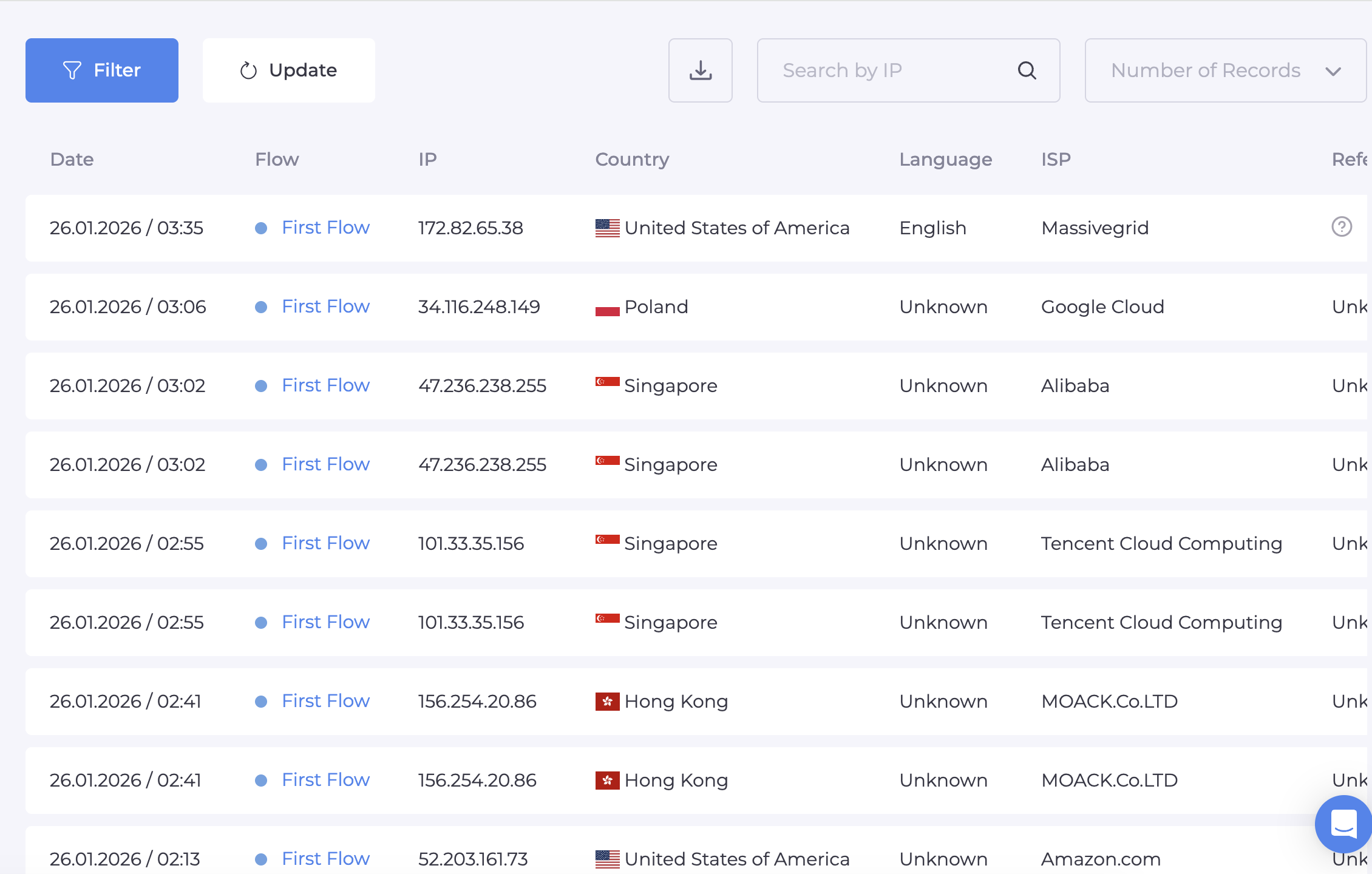
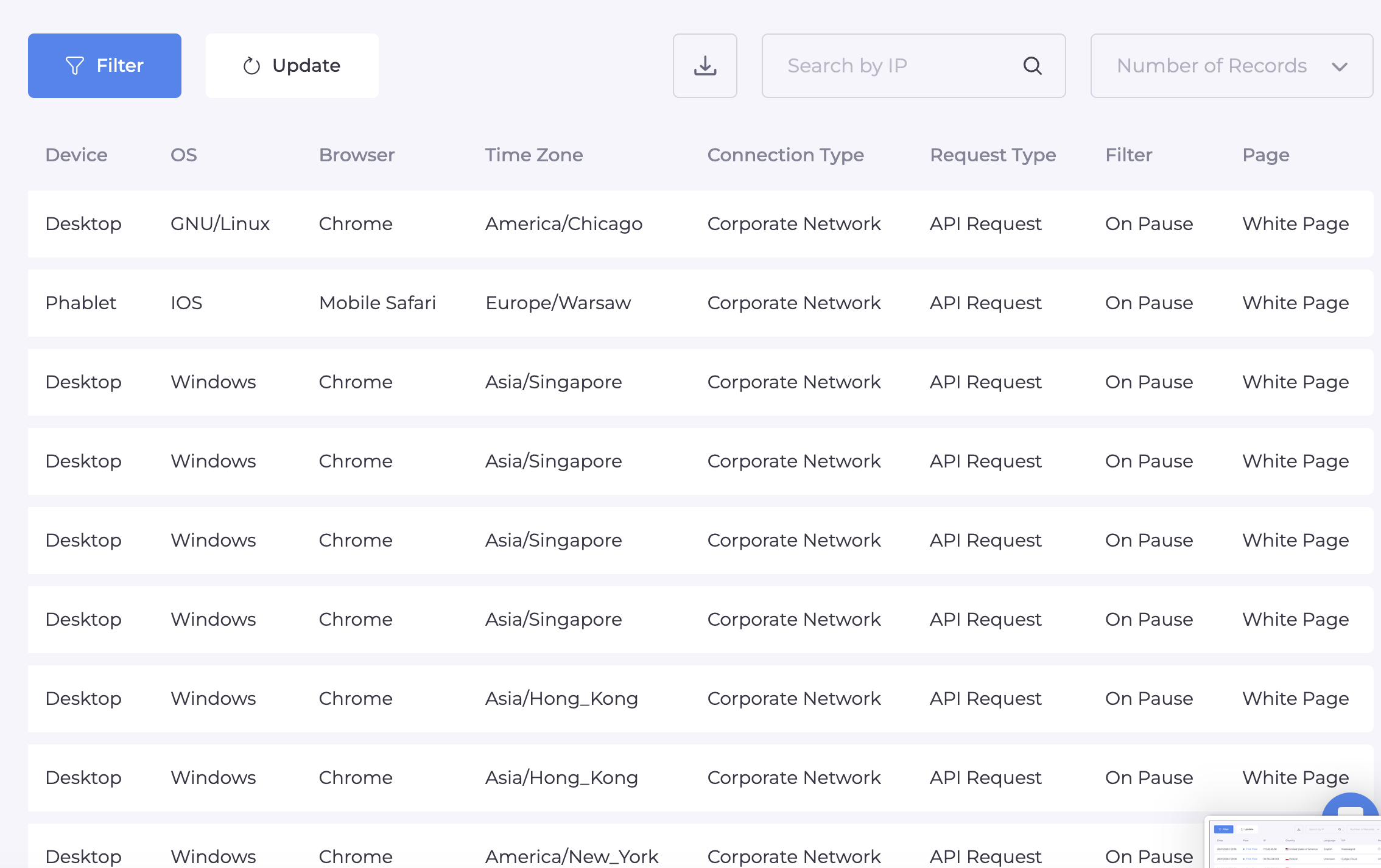
We have covered all stages: from choosing a fault-tolerant server to fine-tuning PHP filters. This combination minimizes the risks of "flags" and allows your accounts to last much longer. Remember, in arbitrage, the one with the most reliable support wins.
The infrastructure is ready, the shields are up. It's time to move on to testing!
🔥 Special offer for those who read to the end: take a -30% discount with the promo code: BVBV_BRO_30
May every click be targeted!





Be the first to share your opinion!
We value your feedback — share your thoughts.