


Anyone who has been in media buying for more than a couple of months knows this feeling: you open the Meta Ad Library late at night, scroll through the feed for forty minutes, save a dozen screenshots "for later consideration" - and a week later you no longer remember why you saved those specific creatives. The problem is not laziness or a lack of discipline. The problem is that public ad libraries provide a massive volume of data, but do almost nothing to help you understand which part of this volume actually deserves attention.
In this article, we will break down which signals to look for when analyzing competitor ads, how to build a process that can be repeated every week instead of reinventing the wheel, and how a specialized tool - PrimeSpy - helps with this.
Why manual competitor ad analysis does not scale
Manually browsing ad libraries works as long as you are dealing with one or two competitors and a one-off check before a meeting. As soon as the task becomes more complex - dozens of competitors, multiple GEOs, different platforms - the process starts to fall apart for three reasons.
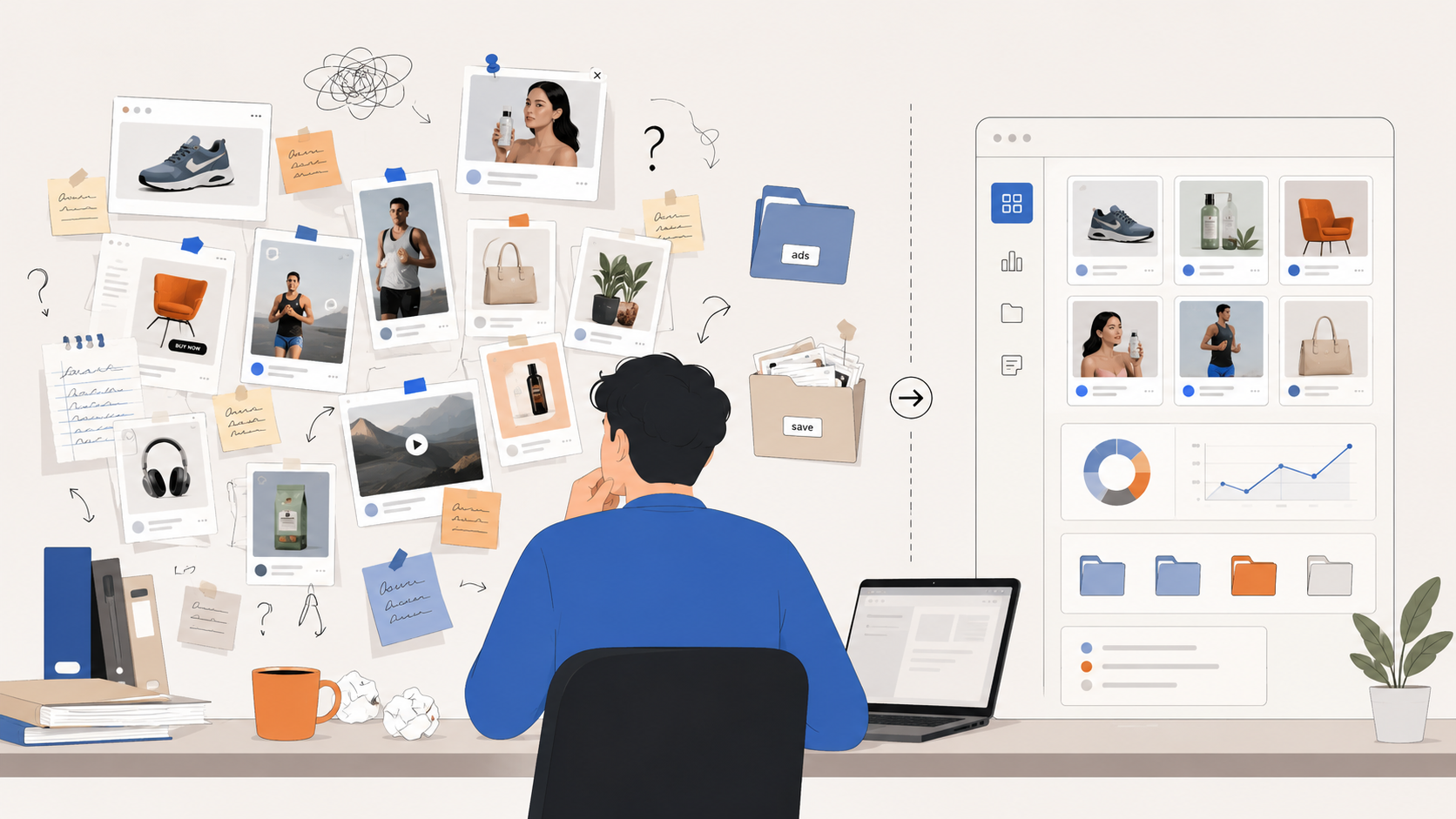 First, context is lost. A screenshot is saved, and two weeks later it is no longer clear how many days the ad was in rotation, whether the landing page changed, or if it was a single test or part of a large-scale campaign.
Second, there is no history of changes. Competitors do not stand still: they update creatives, change the offer, and test new ad combos. If you check an account once a month, it is easy to miss the moment when a competitor found a profitable combo and started scaling it - and it is exactly at this moment that their angle of attack is most interesting for analysis.
Third, subjectivity. Without data on running time, duplicate count, and reach, the decision to "take this idea for a test" turns into a "like / dislike" assessment, rather than a conclusion backed by numbers.
The main signal that is underestimated: ad lifespan
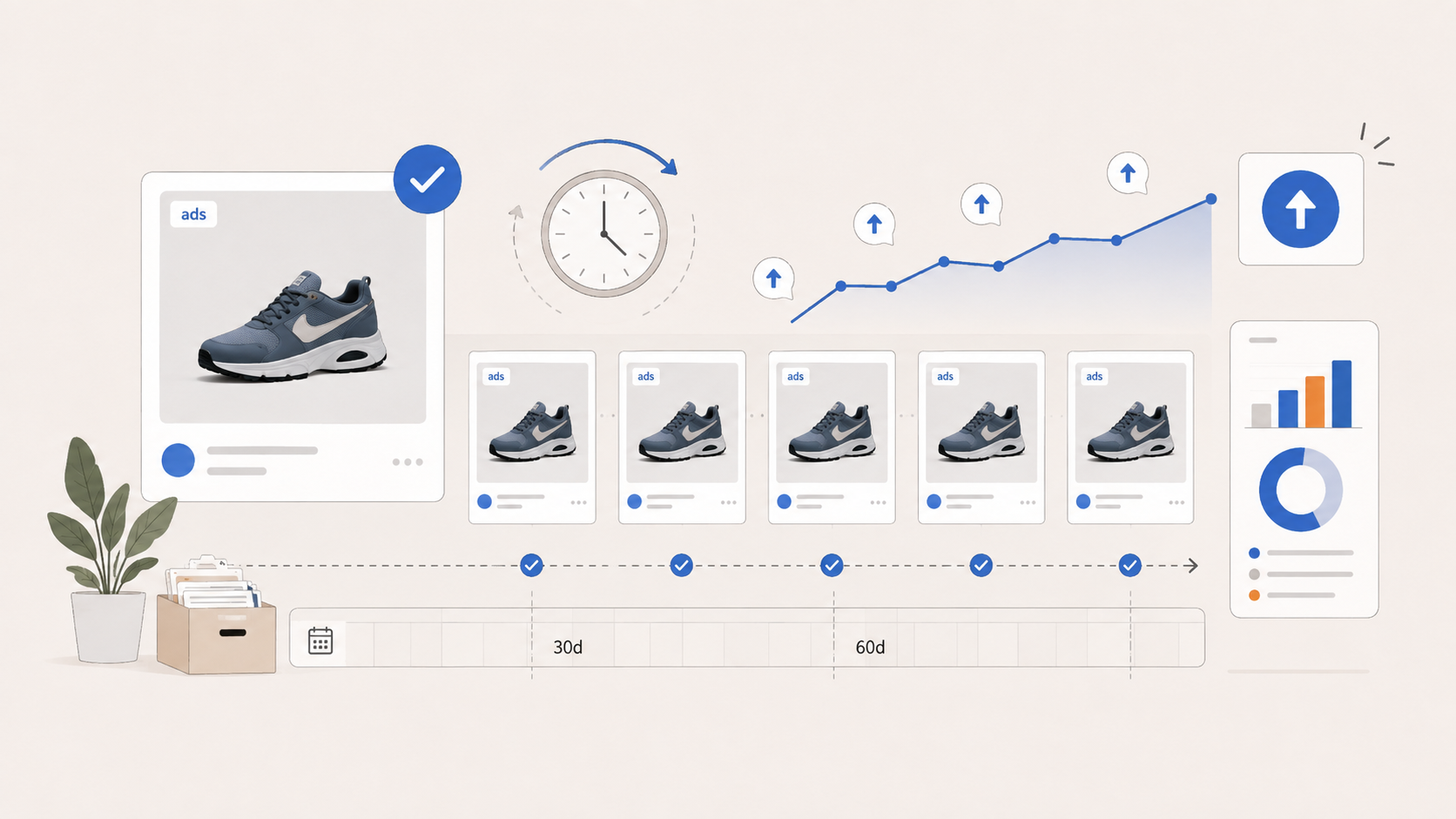 If we were to highlight one parameter that should be checked first and foremost, it is the running time of the ad. The logic is simple: paid traffic does not forgive sentimentality. Advertisers quickly turn off ineffective creatives, because every extra day of showing an unprofitable ad is a burned budget. If a creative continues to run for weeks and months, and is also duplicated across several accounts or GEOs - this is no accident, but a sign that the combo is yielding results and is being consciously scaled.
This makes the running time and duplicate count filters much more useful for practical analysis than a subjective assessment of a "cool video" or "catchy text". A fresh ad launched three days ago says almost nothing about its effectiveness. But an inconspicuous static image that has been running for two months in five ad accounts - that is a signal worthy of attention.
The second layer of analysis: what happens after the click
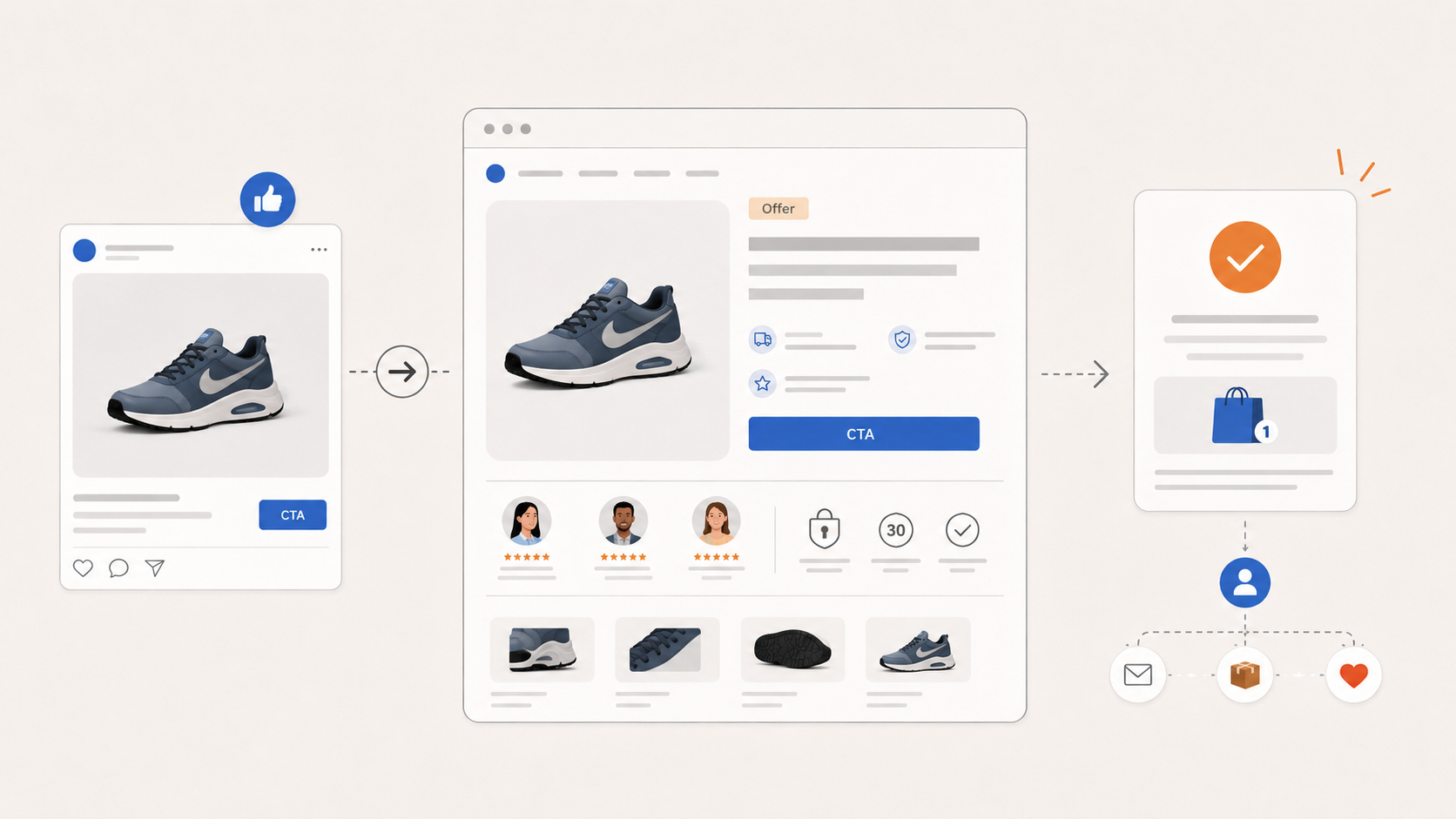 Many analysts stop at studying the creative itself and miss what happens next - the landing page. That is where the real strategy is visible: how the offer is formulated, what call-to-action button is used, whether the ad leads directly to the checkout page or first builds trust through pre-lander content.
This is especially important in niches where trust is the main barrier to conversion: financial products, subscription services, SaaS. In such categories, the task of an ad creative is not to sell in one frame, but to capture enough attention so that the user reaches the page that actually closes the deal.
What the workflow with PrimeSpy looks like
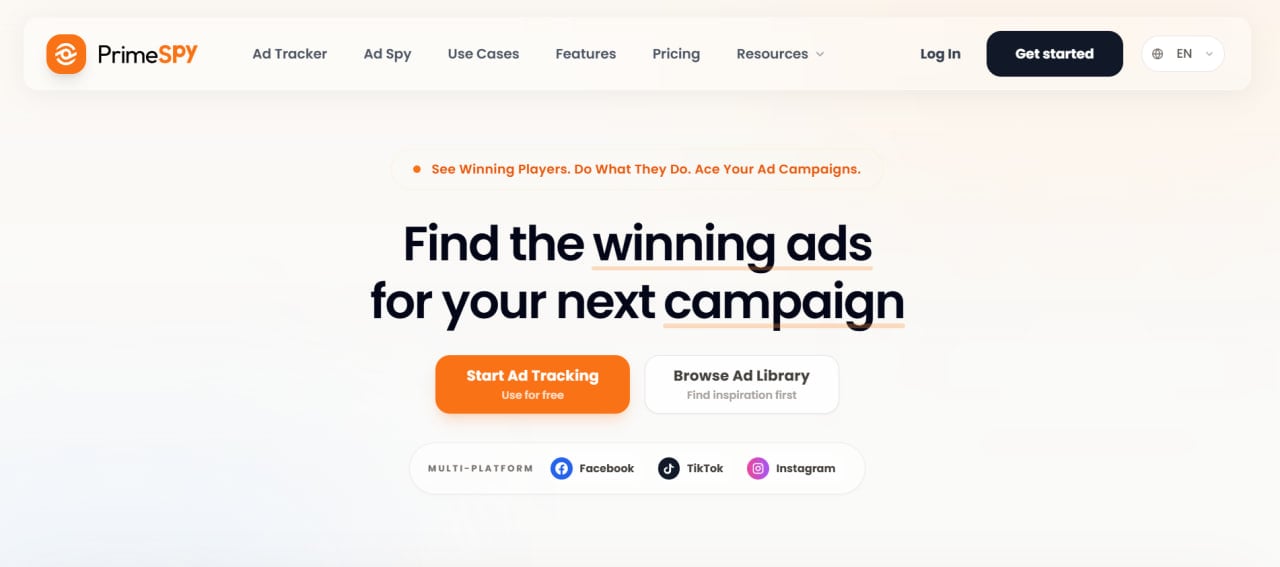 PrimeSpy is an ad intelligence and competitor analysis tool, geared specifically towards this kind of practical breakdown, rather than manually sorting through screenshots. The service aggregates ad data from Facebook, Instagram, TikTok, and the Meta Ad Library, covering over 90 countries and more than 200 markets, and allows you to search, filter, and save ads in a single workspace.
A practical workflow scenario usually looks like this.
Step 1. Search by keyword, URL, or advertiser name. It is not necessary to know the full list of competitors in advance - you can start with a category ("skincare cosmetics", "mobile fitness app") and get a relevant output of ads and advertisers.
Step 2. Filtering by significant parameters. PrimeSpy allows you to narrow down the results by platform, country, language, ad status, CTA button, landing page, format, running time, duplicate count, and estimated reach. This is exactly the set of filters discussed above - running time and duplicate count are not abstract metrics here, but specific fields for sorting.
Step 3. Analyzing the ad card. The detailed page shows reach dynamics, estimated budget spending, regional distribution, and ad account status. This helps evaluate not only the creative itself, but also how actively the competitor is investing in a specific direction.
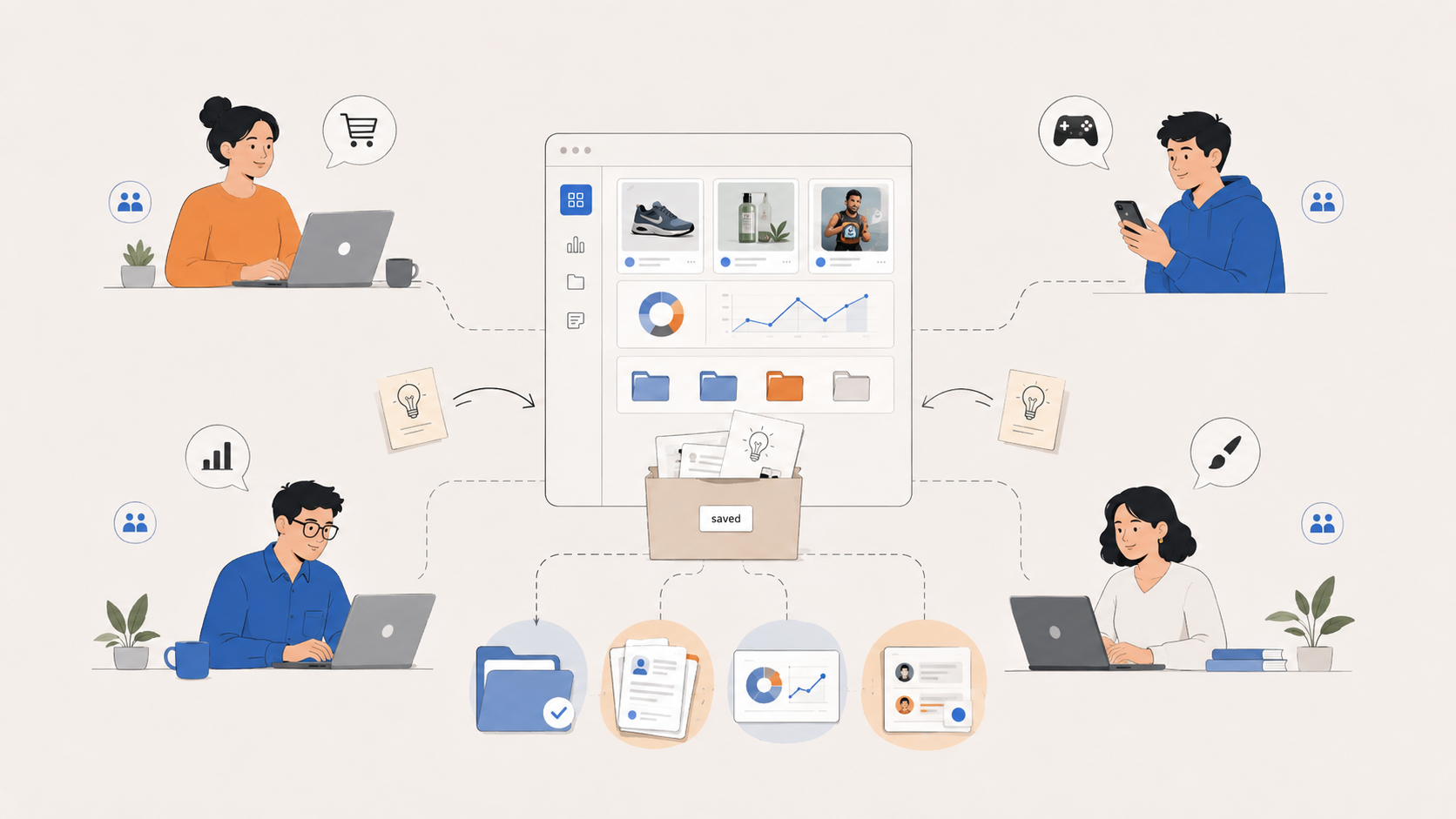
Step 4. Saving to a list and recording a hypothesis. Instead of scattered screenshots, ads are saved while preserving context - the platform, status, running time, and filtering conditions by which they were found. This significantly simplifies the work when you need to return to the material a month later and remember why a particular creative was important.
Step 5. Setting up tracking. Key competitors can be added to the tracker - via a website link, landing page, or Meta Ad Library page - and you can receive a signal when they launch new creatives, change an offer, or update a landing page.
Real-time monitoring as a replacement for one-off checks
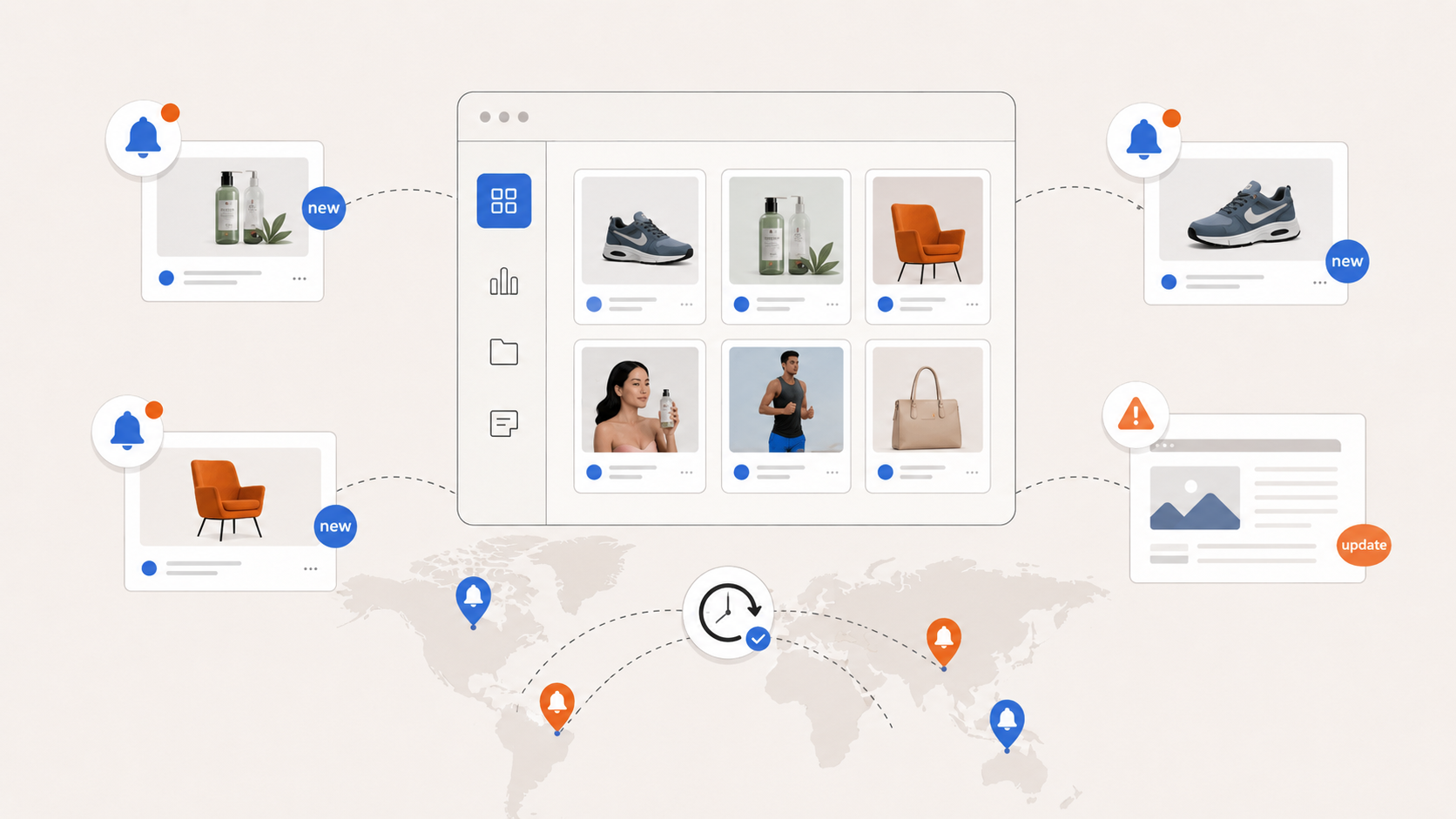 A one-off check of a competitor before a meeting or campaign launch almost always provides an outdated picture. An ad tracker solves this problem differently: instead of starting the analysis from scratch every time, the team monitors a short list of key competitors and receives a notification exactly at the moment of changes - a new creative, pausing an old one, or a landing page change.
For media buying teams and agencies, this is especially valuable: if a competitor starts replicating the same ad angle across multiple markets simultaneously, it becomes noticeable much earlier than with a random scan of the ad library once a month.
For which teams this is especially useful
The format of competitor ad research through a specialized tool suits different categories of users, but the application logic differs slightly depending on the niche.
E-commerce and DTC brands use this kind of analysis to study offers, creative formats, and landing page structures of similar products - from accents on discounts to the way reviews are presented.
Product research teams and TikTok Shop sellers more often look at recurring patterns in short videos: what hooks are used in the first seconds, what products are being tested by multiple sellers simultaneously.
 App and gaming teams analyze how competitors structure the opening frames of a video, present the storyline, and formulate the call to install the app - in this niche, the speed of changing creatives is especially high, and without systematic tracking, it is easy to fall behind the market.
SaaS and B2B products use similar analysis differently: here, the ad itself is not as important as how competitors explain functionality and handle objections on the landing page.
Agencies and teams managing several clients simultaneously benefit the most from systematization - a library of saved ads, organized by clients, categories, and hypotheses, saves hours of work when preparing briefs and reports.
What the tool cannot do for you
It is important to immediately outline the limits of applicability for such services. No ad intelligence tool will show a competitor's real ROAS, CPA, or profit margins - estimated data on reach and budget always remain approximate, not exact numbers from the ad account.
The task of such a service is not to replace analytics for your own campaigns, but to accelerate the stage of searching for signals, which then need to be tested on your own audience, your own product, and your own data.
Summary
Competitor ad research should not end at the "found an interesting creative - saved a screenshot" stage. The value of such analysis appears when scattered observations turn into a repeatable process: clear selection criteria, a history of changes for key competitors, and the systematic storage of findings, which can be revisited a month later to immediately recall the context.
Tools like PrimeSpy cover exactly this routine part of the work - searching, filtering by significant parameters, and tracking changes in dynamics - leaving the team with more time for what truly requires expertise: interpreting signals and formulating hypotheses for their own tests.






Be the first to share your opinion!
We value your feedback — share your thoughts.