


In traffic arbitrage, more and more workflows are moving to mobile devices. TikTok, Instagram, Facebook, and other platforms actively use apps, while advertising teams test creatives, check landing pages, and manage accounts from different devices.
But if dozens of mobile environments are needed for work, buying a separate smartphone for each task becomes expensive and inconvenient. The alternative - cloud phones: remote Android devices that can be managed from a computer. To organize such an infrastructure, it is important to properly separate the working environments, choose proxies, and set up monitoring.
Let's break down how cloud phones work, in what scenarios they are useful, and how to choose proxies for stable operation in 2026.
What is a cloud phone and how does it differ from a smartphone farm
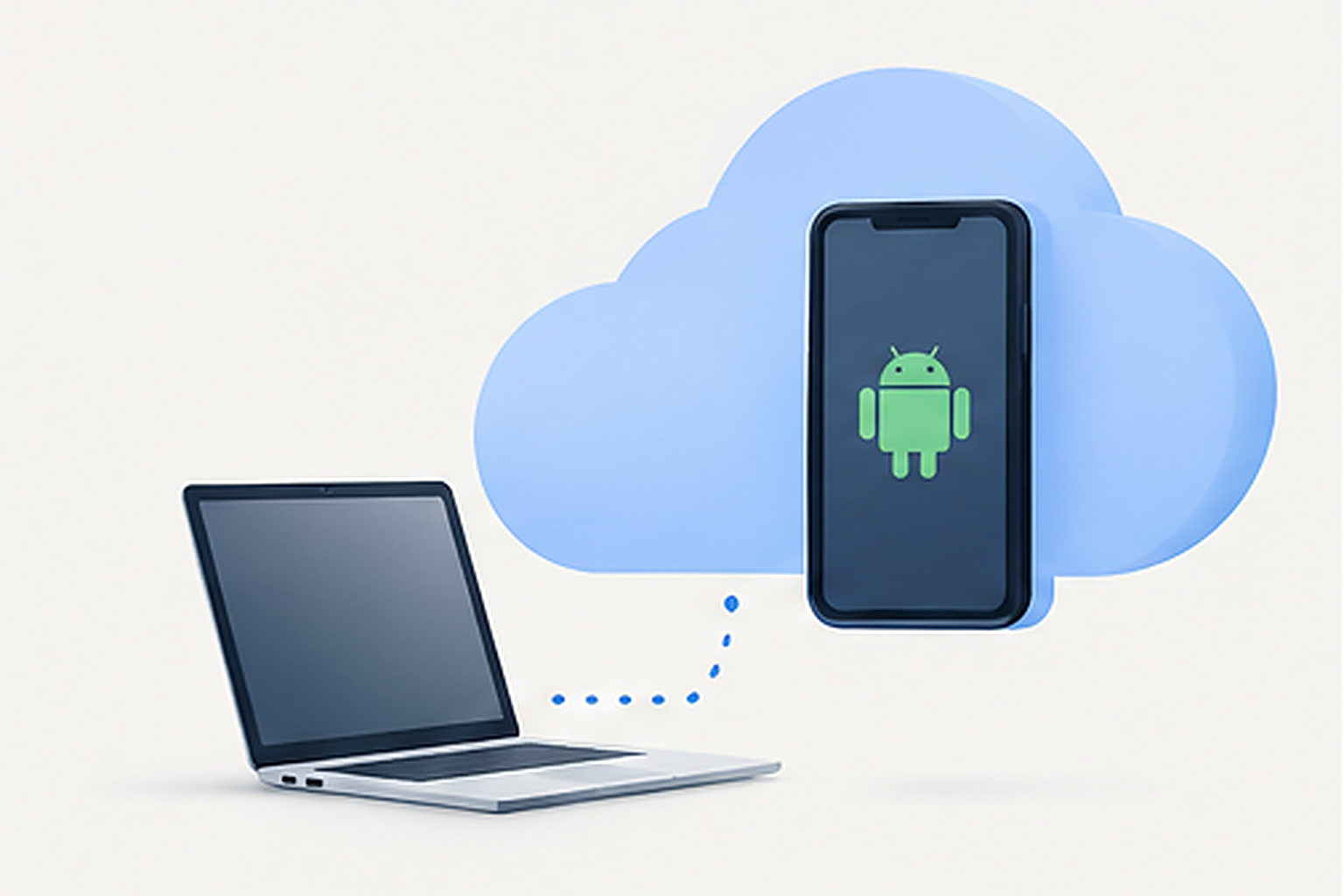 Cloud phone (Cloud Phone) - is an Android device running on a remote server. The user connects to it via a browser or a special client, sees the screen, launches apps, and manages the system just like a regular smartphone.
Depending on the service, cloud devices can run on physical hardware in a data center or use a virtualized infrastructure. Therefore, before purchasing, it is worth clarifying what exactly the provider offers: a full-fledged Android environment, a virtual device, or an emulator.
The main advantage of cloud phones - centralized management. There is no need to physically connect dozens of smartphones, monitor the charging, updates, and status of each device. At the same time, apps and data can be stored separately in each environment, provided the service supports such isolation.
Where cloud phones are used in arbitrage
Cloud phones are useful not only for working with accounts. They are suitable for tasks where you need to test mobile scenarios, centrally manage applications, and repeat checks across multiple devices.
TikTok, Instagram, and Facebook
Mobile apps can differ from web versions in interface, available features, and the behavior of individual elements. Therefore, an advertising team may need to check how a profile looks, how a link opens from a post, how an ad creative is displayed, or how the transition to a landing page works.
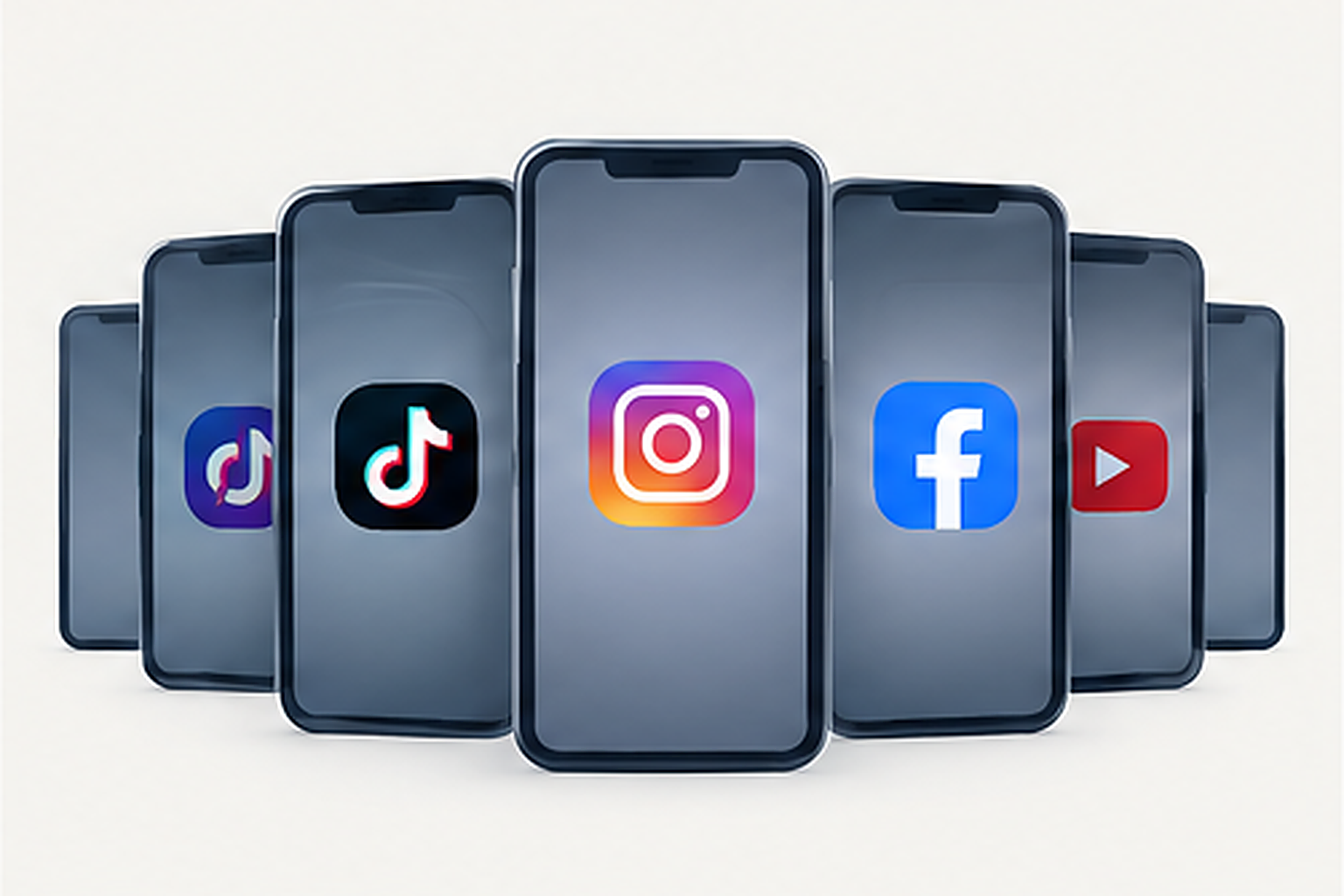 Cloud phones help conduct such checks in separate mobile environments. For example, one phone can be allocated for testing TikTok, another - for Instagram, and a third - for checking Facebook. The purpose of the device is recorded in a working spreadsheet, and the testing results are saved separately.
Testing apps and advertising funnels
Cloud devices are convenient when you need to test the user flow from an ad to the target action:
- whether the link opens from the mobile app;
- whether redirects work correctly;
- whether the landing page loads;
- whether forms and buttons are displayed;
- whether the transition to Google Play or the App Store works;
- whether analytics and conversion events are tracked.
Such checks can be performed after updating a creative, changing a landing page, or setting up an ad campaign.
Teamwork and scaling
If several specialists are working on ad campaigns, a centralized dashboard helps assign devices, log responsible persons, and track the status of each instance.
Instead of an unstructured list of dozens of phones, it is better to create a registry with clear names, purposes, regions, connected proxies, and verification statuses. This simplifies troubleshooting and reduces the likelihood of accidentally using the wrong device.
Why a cloud phone needs a separate proxy
A cloud phone provides a mobile environment for launching apps. A proxy determines the network route and the external IP address from which the device accesses internet resources.
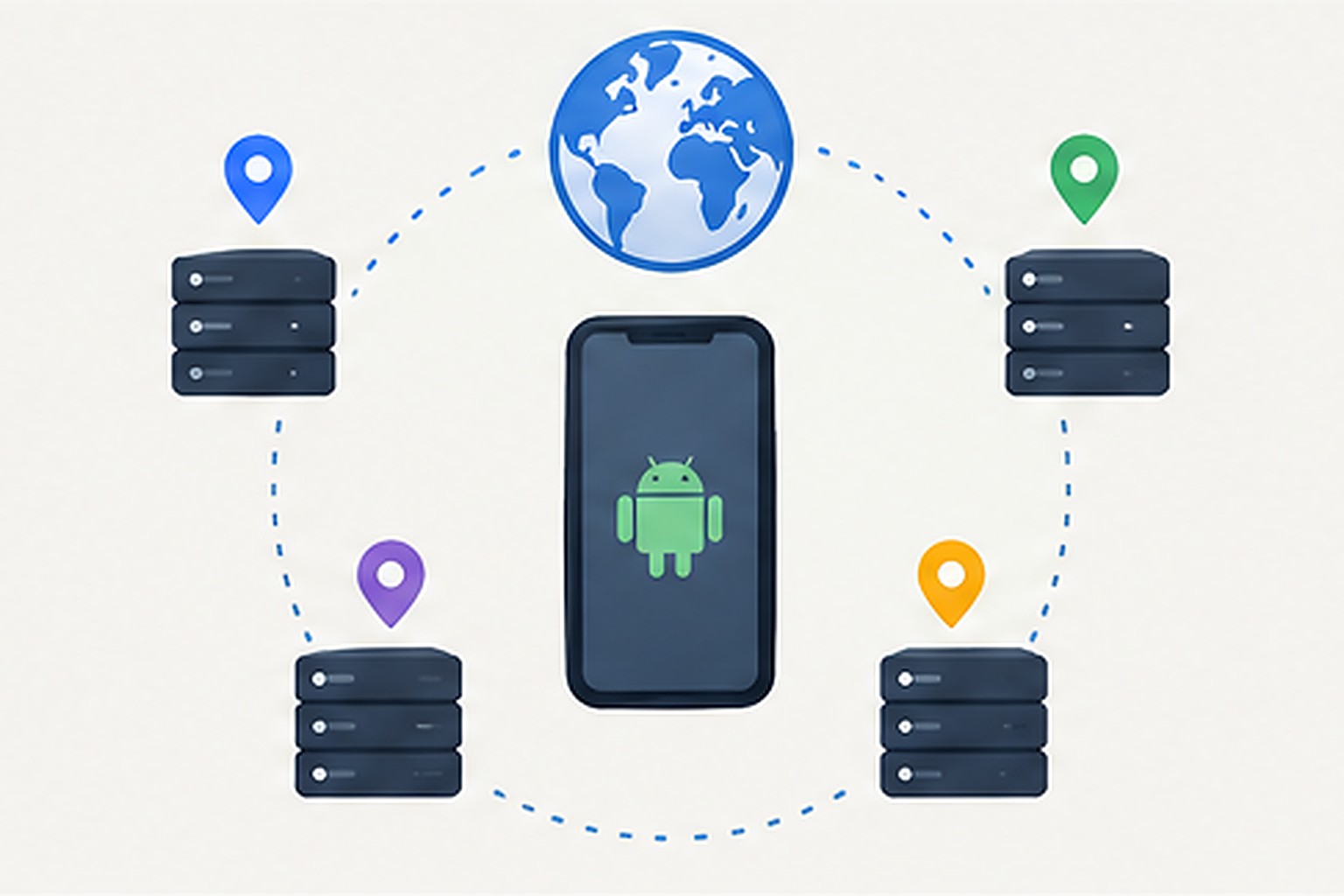 If several phones access the internet through the same proxy, they may share the same external IP. This does not mean automatic account blocking: platforms take multiple signals into account, and regular users can also share an IP, for example, in a corporate network. However, when working with different projects or regions, a shared address can complicate diagnostics and the separation of network connections.
Therefore, for a managed infrastructure, it is useful to determine the network configuration of each device in advance. A separate proxy per phone allows you to independently set the exit IP and GEO, as well as test the connection of a specific instance.
The practical goal of setting up a proxy - to ensure the required connection geography, stable access to resources, and the ability to independently diagnose each device, rather than relying on the fact that an IP change alone will prevent a ban.
Which proxy to choose: residential or static
For cloud phones, it is especially important to select a proxy type for a specific scenario. First of all, it is worth comparing residential and static IPs.
Residential proxies for regional checks
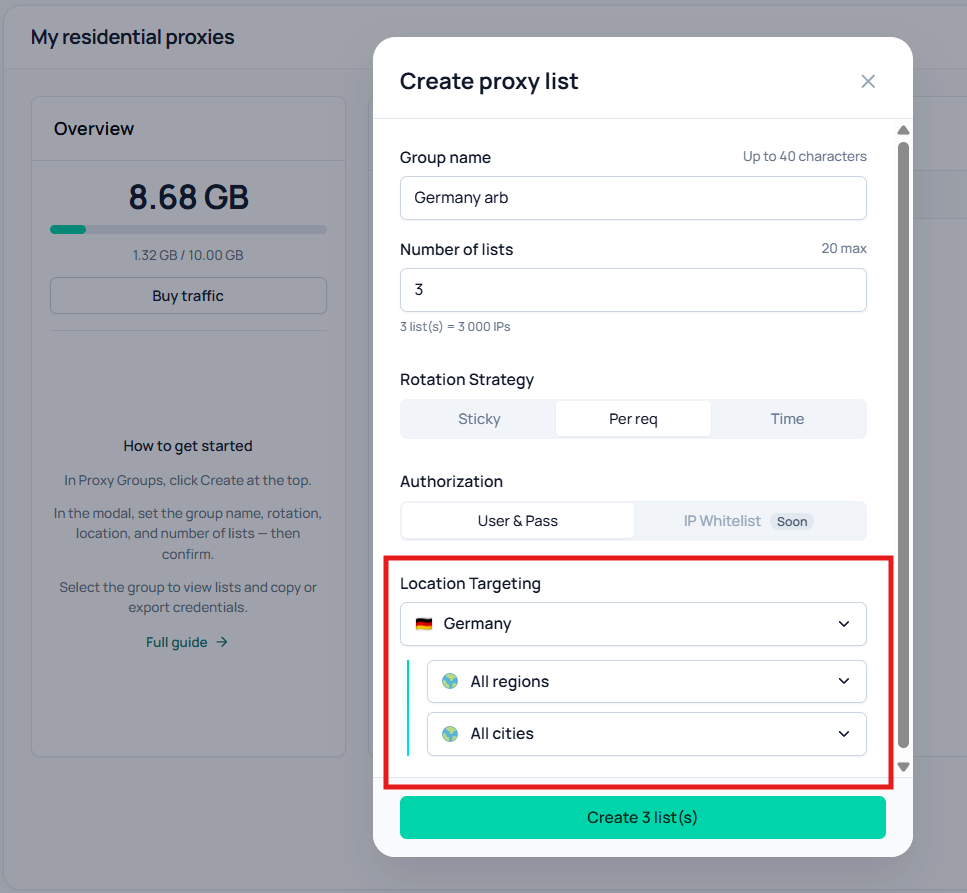
Residential proxies use IP addresses associated with user networks of ISPs. They are suitable for checking the availability of sites and content from different regions, testing landing pages, and analyzing local page display.
For example, an ad team is launching a campaign for several countries and wants to check if the landing page opens, if redirects work correctly, and if the content matches the selected GEO. For such tasks, a residential proxy can be a suitable option.
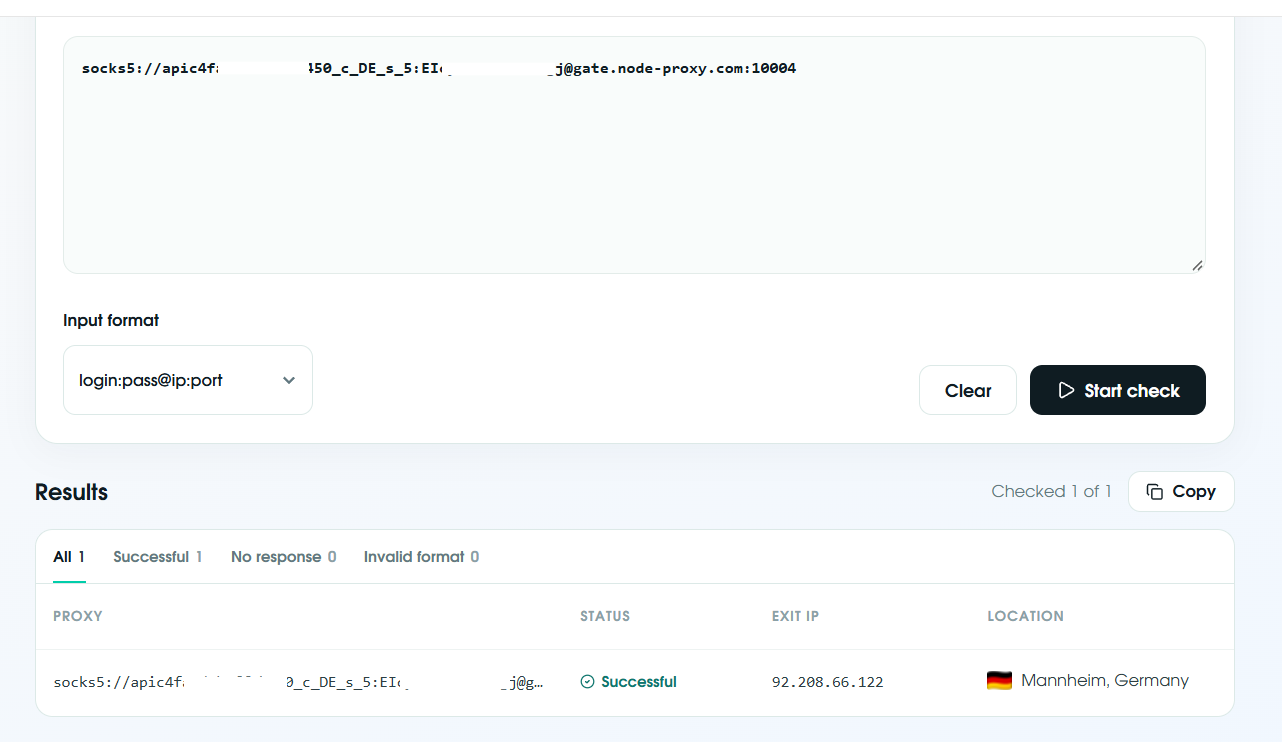
Residential proxies with geolocation selection are available on Node Proxy. When setting up, it is important to check not only the selected country but also the actual exit IP. Different geolocation databases sometimes determine the location of the same address differently.
Residential proxies can support IP rotation. It is useful for independent regional checks, but it is not always suitable for sequential actions within a single authorized session. If an app needs to maintain a connection over several steps, check in advance how the selected mode affects workflow continuity.
 Static proxy for continuous sessions
A static proxy keeps the same IP during the period provided by the service conditions. This is convenient for tasks that require a stable network address: long-term app testing, repeated checks of a single workspace, or service availability monitoring.
However, the concept of "static" does not mean the address is assigned forever. Conditions depend on the provider and the tariff. Before purchasing, you need to clarify the IP usage period, the possibility of extension, the network type, and traffic limits.
You should not choose a proxy based solely on its name. Check the actual geolocation, stability, compatibility with the cloud phone, and cost of use. For authorized sessions, IP stability may prove to be more important than frequent rotation.
Step-by-step setup: cloud phone, proxy, and Cloaking.House
To make the infrastructure work predictably, it is better to assemble it in stages, rather than connecting dozens of devices simultaneously.
Step 1. Create a cloud phone
Choose a service that supports the required Android version and apps. Create a device, assign it a clear name, and check whether the app state and data are saved between connections.
For example, you can use designations like IG_Test_01, TikTok_Landing_02, or FB_QA_03. The name should help you understand the device's purpose, rather than containing passwords or other sensitive data.
Step 2. Choose a proxy
Determine which country is needed for testing and whether a persistent IP is required. Then add the proxy to the cloud phone settings or to the network connections section provided by the service.
Usually, setup requires the server address, port, protocol, and, if authorization is used, a login and password. Do not automatically copy settings between devices if each one requires its own network route.
After connecting, check the external IP and GEO. If the cloud service offers a built-in proxy check, run it before launching the app.
Step 3. Test the mobile scenario
Open the required app and go through the test flow: launch, clicking the link, loading the target page, and checking analytics events. Record the result and compare it with the expected one.
If the page does not open, do not change all settings at once. First, check the connection, then the GEO, authorization, and app settings. Step-by-step diagnostics help find the cause of the error faster.
Step 4. Use Cloaking.House within the limits of permitted traffic work
Cloaking.House - a traffic filtering and routing service that analyzes transition parameters, including IP, geolocation, device type, and browser. Such tools can be used for analytics, traffic flow management, and filtering unwanted traffic.
To check the setup, first use a test transition and ensure that the campaign parameters are transmitted correctly, the target page is accessible, and analytics events are recorded. Then check the logs and results in each part of the chain.
How to check a proxy before scaling
A proxy might be correctly added to the settings, but still not provide the expected geolocation or a stable connection. Therefore, it is worth running a check before connecting a large number of devices.
The free Node Proxy checker will help verify proxy operability. After checking, separately test the connection inside the cloud phone itself: a result in a third-party tool does not replace checking a specific app.
 Common mistakes when working with cloud phones
Connecting all devices through a single IP without task analysis. This can create a single point of failure and complicate diagnostics. First, determine which devices need a separate network route.
Changing the IP during a continuous session unnecessarily. Rotation can disrupt the sequence of actions. For multi-step checks, first test the mode that maintains the IP.
Considering a proxy a guarantee against bans. Neither a residential, static, nor mobile IP guarantees the absence of restrictions. Adherence to platform rules and proper work with accounts remain mandatory.
Buying a lot of proxies before testing. Check several connections, measure traffic consumption, and evaluate stability. Only after that should you calculate the scale.
Not keeping a device registry. Without a registry, it is easy to mix up the GEO, proxy, and purpose of the phone. Record at least the device name, task, region, proxy type, check date, and result.
Using traffic filtering without checking ad network rules. Before launching, make sure the routing and landing page content comply with the traffic source's requirements.
Checklist before launch
Before connecting dozens of cloud phones, check:
- The cloud service supports the required apps and Android version.
- Each device has a clear purpose and an assigned responsible person.
- The appropriate proxy type and needed geolocation are selected.
- The address, port, protocol, and authorization data are verified.
- The external IP matches the expected connection.
- The rotation mode is suitable for the tested scenario.
- The opening of target pages and the work of redirects are verified.
- Analytics record the required events.
- Logins, passwords, and other sensitive data are stored securely.
- The use of services complies with the ad platform's rules.
- Test results are saved before scaling.
Conclusion
Cloud phones allow you to centrally manage mobile environments, launch apps, and test ad scenarios without the need to maintain a large physical smartphone farm. But cloud infrastructure alone does not solve all issues: for stable operation, you must consider device characteristics, network routing, and the requirements of the platform used.
Residential proxies are suitable for regional checks and working with content from different GEOs, while static ones - for tasks where it is important to keep a single network address throughout the session. The choice should be based on test results, not on promises of universal protection.
Start with a few cloud phones, test the connection and target scenarios, record the results, and only then expand the infrastructure. This approach helps control costs, find errors faster, and keep workflows in order.





Be the first to share your opinion!
We value your feedback — share your thoughts.